How to Secure Your Digital Wallet: 12 Tips for 2026
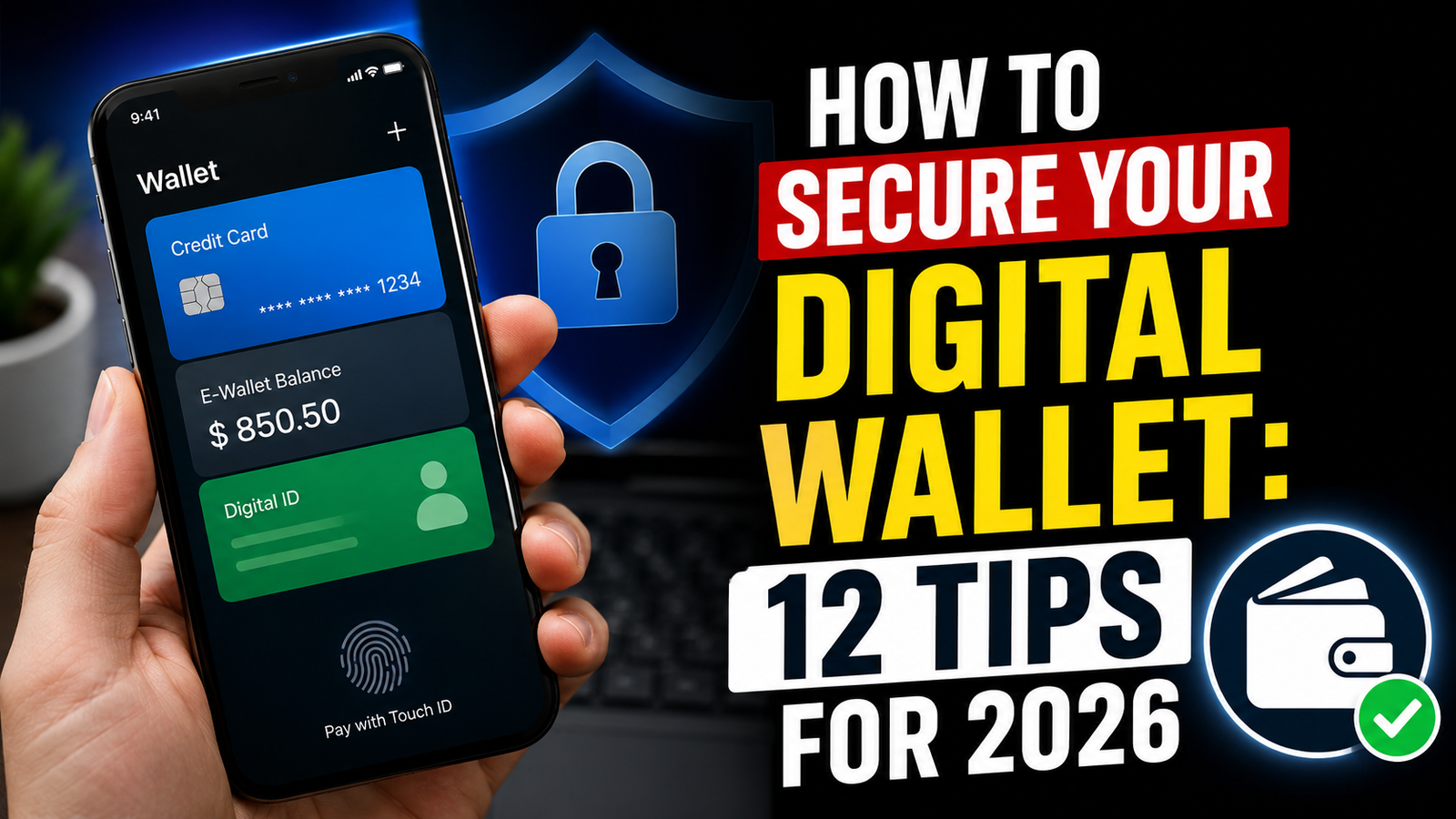
Digital wallets have quietly become the control center of modern financial life. Whether you are tapping your phone to pay for coffee, storing your driver’s license on your device, or holding cryptocurrency, your digital wallet now often contains more sensitive information than a physical one. This convenience comes with a trade-off: if a digital wallet is compromised, the damage can be far more extensive than that caused by a lost card.
This guide explains how to secure your digital wallet covering how these systems work, the real risks you face, and the practical steps you can take today to lock down your wallet while also answering frequently asked questions.
What Is a Digital Wallet, Exactly?
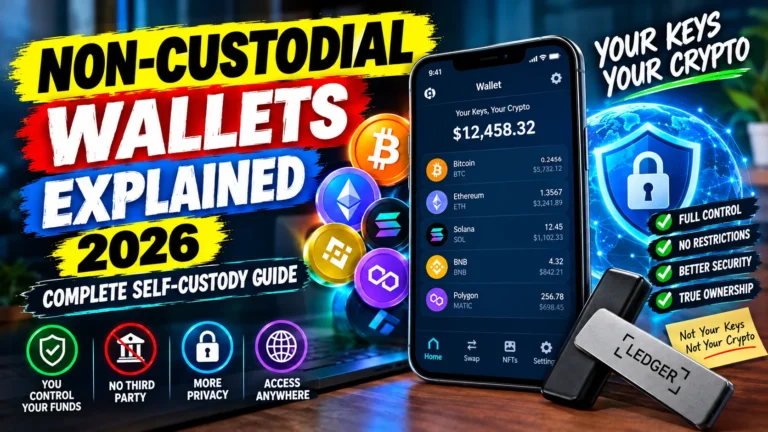
A digital wallet is an app or device-based system that stores your payment information, identification, loyalty cards, or cryptocurrency keys in encrypted form so you can use them without carrying physical cards or cash. Examples include Apple Pay, Google Wallet, Samsung Wallet, PayPal, and crypto wallets like MetaMask or hardware devices such as Ledger and Trezor.
Instead of transmitting your actual card number when you make a purchase, most digital wallets use tokenization replacing your real account details with a one-time-use digital token. Even if that token is intercepted, it’s useless to a criminal because it can’t be reused or reverse-engineered into your real card number.
Digital wallets generally fall into three categories:
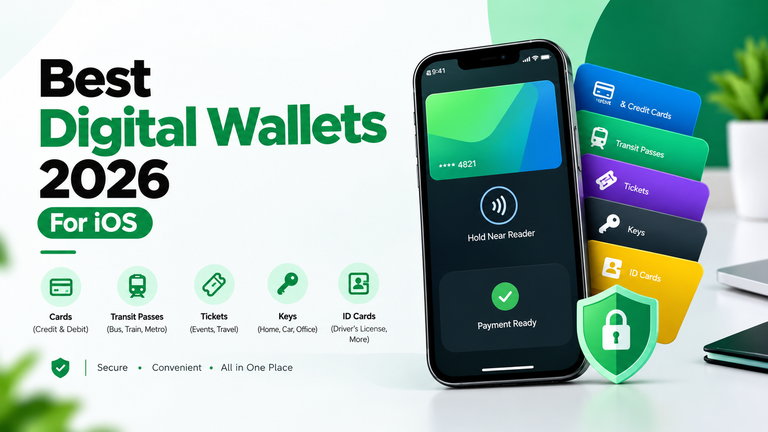
- Payment wallets (Apple Pay, Google Wallet, Samsung Wallet, PayPal) store card and bank details for everyday purchases.
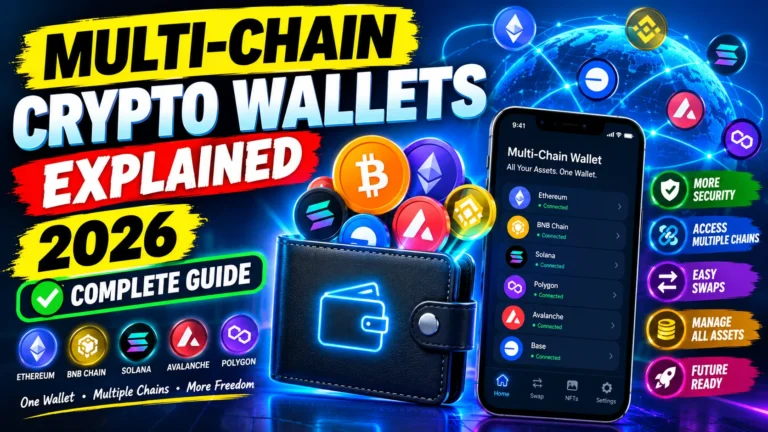
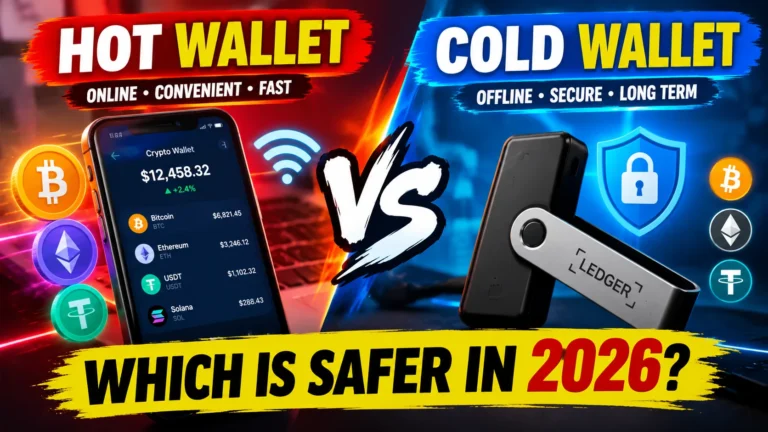
- Crypto wallets (hot wallets like MetaMask, or cold/hardware wallets like Ledger and Trezor) store the private keys that control your cryptocurrency.
- Identity wallets an emerging category storing digital IDs, driver’s licenses, and passports alongside payment methods.
Why Digital Wallet Security Actually Matters
A stolen physical wallet exposes a handful of cards. A compromised digital wallet can expose your payment methods, saved addresses, transaction history, linked bank accounts, and — increasingly — your government ID. For crypto wallets, the stakes are even higher: there’s no bank to call and no fraud department to reverse a transaction once your private keys are exposed. If someone gains access to your seed phrase, your funds can be drained in seconds, with no recovery option.
Attackers know this. Phishing pages that mimic real wallet apps, malicious browser extensions, fake QR codes, SIM-swapping, and social engineering scams targeting seed phrases have all become more common as digital wallets have become the default way people manage money.
Common Threats to Your Digital Wallet
Before locking things down, it helps to understand what you’re actually defending against:
- Phishing attacks — fake emails, texts, or websites designed to trick you into entering your login credentials or seed phrase.
- Malware and spyware — malicious apps or browser extensions that log your keystrokes or screen activity.
- SIM swapping — a criminal convinces your mobile carrier to transfer your number to their SIM card, letting them intercept SMS-based two-factor codes.
- Public Wi-Fi interception — unsecured networks can expose data if you’re not using a VPN or secure connection.
- Malicious QR codes and smart contracts — scanning the wrong code or approving the wrong transaction can hand an attacker permission to move your crypto.
- Physical device theft — a lost or stolen phone without proper lock screens can be a direct path into your wallet apps.
- Fake wallet apps — counterfeit apps in app stores designed to steal credentials the moment you set them up.
Step-by-Step: How to Secure Your Digital Wallet
1. Use Strong, Unique Authentication
Never rely on a simple 4-digit PIN alone. Enable biometric authentication (fingerprint or facial recognition) wherever it’s offered, and pair it with a strong alphanumeric passcode as a backup. Avoid reusing the same PIN or password across your wallet and other accounts.
2. Turn On Two-Factor Authentication (2FA) — the Right Way
2FA adds a critical second layer of defense, but not all 2FA is equal. SMS-based codes can be intercepted through SIM swapping, so where possible, use an authenticator app (like Google Authenticator or Authy) or a hardware security key instead of text messages.
3. Keep Your Software and Apps Updated
Wallet providers regularly patch security vulnerabilities. Delaying updates leaves known security holes open. Enable automatic updates for your wallet app, your phone’s operating system, and any browser extensions connected to it.
4. Download Wallets Only From Official Sources
Only install wallet apps from official app stores or the provider’s verified website. Fake wallet clones are a common scam vector, especially in the crypto space, where counterfeit apps are designed to look identical to legitimate ones.
5. Never Share Your PIN, Passwords, or Seed Phrase
No legitimate wallet provider, bank, or support agent will ever ask for your seed phrase, private key, or one-time passcode. Treat any request for this information — even from a source that looks official — as a scam attempt. Avoid storing seed phrases in screenshots, cloud notes, or email drafts, since these can be accessed if your account is compromised.
6. Use a Hardware Wallet for Significant Crypto Holdings
If you hold meaningful amounts of cryptocurrency, a hardware wallet (also called a cold wallet) keeps your private keys offline and isolated from internet-connected devices, making it far harder for remote attackers to reach them. A common strategy is to keep a small “spending” balance in a hot wallet for everyday use, while storing the bulk of your holdings in cold storage.
7. Avoid Public Wi-Fi for Wallet Transactions
Public networks are a prime target for interception. If you need to access your wallet while away from a trusted network, use a reputable VPN to encrypt your connection.
8. Review App Permissions and Connected Services Regularly
Crypto wallets in particular accumulate “approvals” for decentralized apps (dApps) over time. Periodically review and revoke permissions you no longer use — an old, forgotten approval can be exploited even if you haven’t touched that app in months.
9. Set Up Wallet Recovery Options in Advance
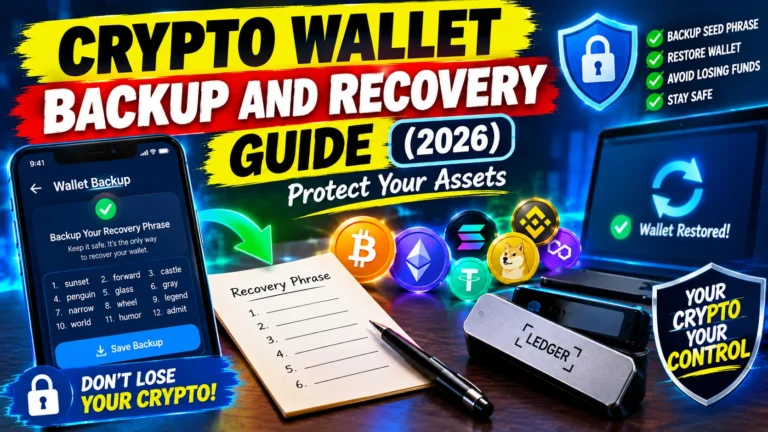
Know how your wallet’s recovery process works before you need it. For payment wallets, ensure your recovery email and phone number are current. For crypto wallets, securely back up your seed phrase in a physical, offline format (such as a fireproof safe or metal backup plate) — never digitally.
10. Enable Transaction Alerts
Turn on real-time notifications for every transaction. Immediate alerts mean you’ll catch unauthorized activity within minutes rather than days, giving you a far better chance of limiting the damage.
11. Lock Your Device Properly
Your digital wallet is only as secure as the device it lives on. Use a strong device passcode, enable auto-lock after a short period of inactivity, and enable remote wipe capability in case your phone is lost or stolen.
12. Be Skeptical of Unsolicited Links and QR Codes
Before scanning a QR code or clicking a link related to your wallet, verify the source. Attackers increasingly use fake QR codes at payment terminals or in emails to redirect users to malicious sites that mimic legitimate wallet login pages.
Digital Wallet vs. Bank Account: Which Is Safer?
Neither is automatically safer — they simply distribute risk differently. Bank accounts benefit from regulatory protections, fraud reversal processes, and institutional monitoring. Digital wallets benefit from tokenization, biometric locks, and the fact that your real card number is rarely transmitted at all. The strongest setup usually combines both: a digital wallet for everyday tokenized purchases, backed by a bank account with strong account-level security and fraud monitoring.
What To Do If Your Digital Wallet Is Compromised
- Freeze or disable the wallet through the provider’s app or website immediately.
- Contact your bank or card issuer to freeze linked cards and dispute unauthorized transactions.
- Change your passwords for the wallet account and any linked email.
- Revoke device access for any device you don’t recognize in your account’s active sessions.
- For crypto wallets, move remaining funds to a new wallet with a fresh seed phrase immediately, since a compromised wallet should never be trusted again.
- Report the incident to the platform and, for significant losses, to relevant authorities.
Frequently Asked Questions
Are digital wallets safer than physical wallets?
In most respects, yes. Digital wallets use tokenization and biometric authentication, meaning your actual card numbers are rarely exposed even during a transaction. A physical wallet, by contrast, exposes your real card details the moment it’s lost or stolen.
Can someone hack my digital wallet just by knowing my phone number?
Not directly, but your phone number can be a stepping stone through SIM-swapping attacks, which let an attacker intercept SMS-based verification codes. This is why authenticator apps are safer than SMS-based 2FA.
What should I do if I lose my phone with my digital wallet on it?
Immediately use your phone’s remote lock or wipe feature, contact your wallet provider to suspend the account, and notify your bank to freeze linked cards. Most payment wallets require biometric or passcode verification, which limits immediate risk, but acting quickly is still essential.
Is it safe to store my crypto seed phrase in a password manager?
It’s safer than storing it in plain text or a screenshot, but most security experts recommend keeping seed phrases fully offline — written on paper or stamped into metal — rather than in any digital format, including password managers, since those can still be compromised remotely.
How often should I update my digital wallet app?
Enable automatic updates so you always have the latest security patches. If automatic updates aren’t available, check manually at least once a month.
Do I need a hardware wallet if I only hold a small amount of cryptocurrency?
Not necessarily. Hardware wallets are most valuable for protecting significant, long-term holdings. For small, frequently used amounts, a reputable hot wallet with strong 2FA is generally sufficient, as long as you follow good security practices.
Can digital wallets be used without an internet connection?
Some payment wallets support offline transactions via NFC for a short time, but most functions — including balance checks and transaction history — require connectivity. Cold crypto wallets, by design, stay offline except when actively signing a transaction.
What’s the biggest mistake people make with digital wallet security?
Reusing passwords across accounts and trusting unsolicited messages that ask for login details or seed phrases. Social engineering, not technical hacking, is behind the majority of digital wallet breaches.