Non-Custodial Wallets Explained 2026: Complete Self-Custody Guide
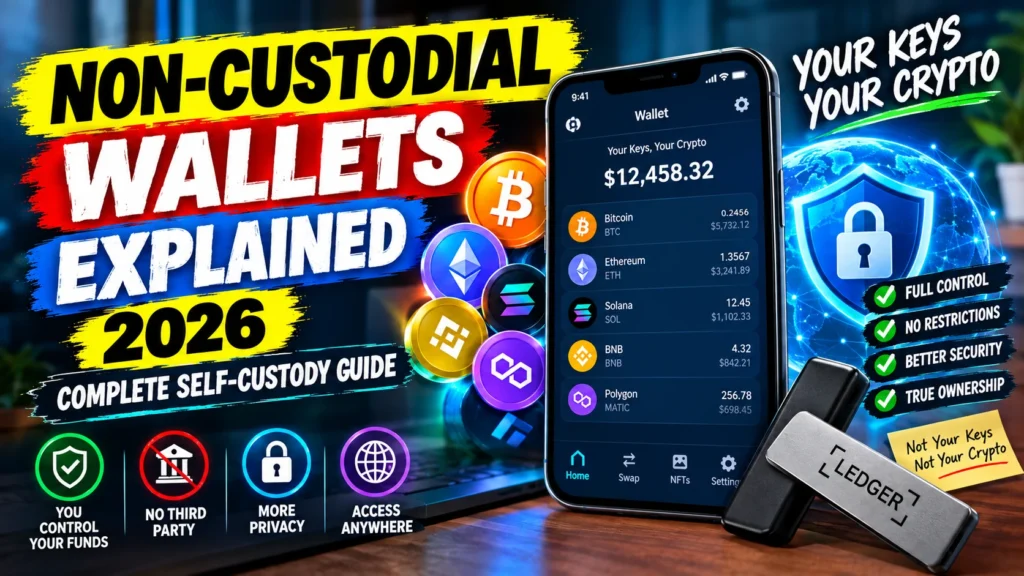
Non-Custodial Wallets Explained 2026. Let me explain it the way I explain it to my cousins. A non-custodial wallet is literally yours. Like your physical wallet in your pocket. Only you have the key. Not Binance. Not Coinbase. Not some support guy saying “sir please wait 48 hours.”
We all saw the drama right? FTX went down overnight. Celsius locked everyone’s money. BlockFi same story. People had lakhs sitting there and next day account frozen. Sorry. That’s when everyone finally understood if someone else is holding your keys, that’s not your crypto. It’s theirs.
So if you hold any decent amount of crypto in 2026, you have to learn self-custody. I will not bore you with technical whitepaper stuff. Just how it actually works and how to not lose your money by doing something dumb.
Non-Custodial Wallets Explained 2026: So what is it actually?
It’s very simple. When you make an account on an exchange like Binance, you get what’s called a custodial wallet. You login with email, password, you see your balance. But you don’t really have the wallet. They do. You are basically asking them “please send my coins”. They can say yes, no, or just freeze you.
Non-Custodial Wallets Explained 2026. Non-custodial is opposite. You download something like MetaMask, Trust Wallet, Phantom. It gives you 12 words. Non-Custodial Wallets Explained 2026. That’s it. That 12-word phrase is your wallet. It stays on your phone. When you send crypto, your phone signs it right there. No company in the middle. No one can stop it.
But and this is important if you lose those 12 words, it’s finished. No helpline. No recovery email. Gone.
How does it work behind the scenes?
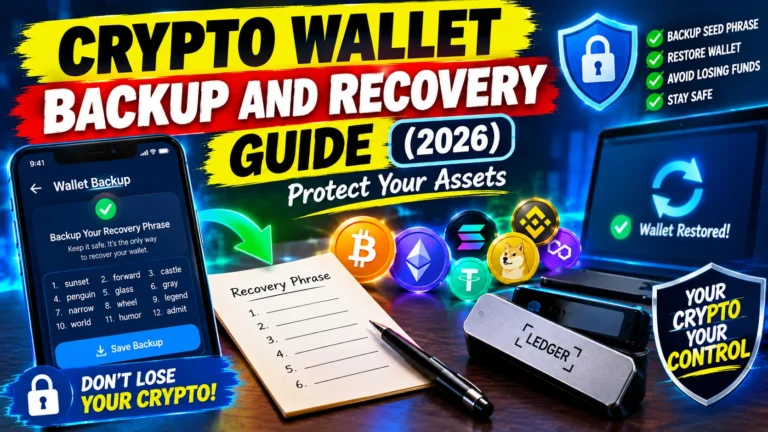
When you first create the wallet, it gives you 12 or sometimes 24 random words. Non-Custodial Wallets Explained 2026. This is called your seed phrase. Please write it on paper. Not screenshot, not in Gmail drafts.
Those 12 words are everything. From those 12 words, your phone creates private keys, and from those private keys it creates all your addresses – for Bitcoin, Ethereum, Solana, everything.
Your seed phrase never leaves your phone if the wallet is legit. Non-Custodial Wallets Explained 2026. That’s the whole security. Non-Custodial Wallets Explained 2026. When you make a transaction, your phone signs it offline inside. Only the signed transaction goes out. Your keys never go online.
There are 3 types basically:
- Software wallets – like MetaMask, Trust Wallet. Your keys are stored encrypted on your phone/browser. Very easy for daily use.
- Hardware wallets – Ledger, Trezor. Looks like a pen drive. Keys never touch internet at all. You have to physically press buttons to send.
- Smart wallets – newer stuff on Ethereum where rules are coded on-chain. Like you can add your 3 friends for recovery, or set daily limits.
Hot wallet vs Cold wallet – big difference?
This confuses a lot of people.
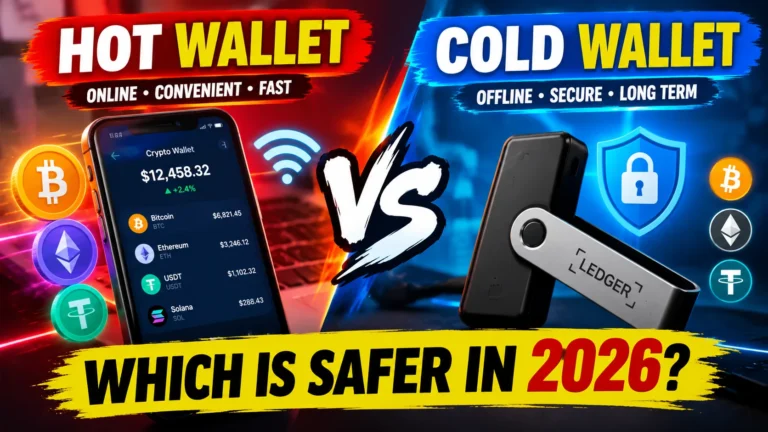
- Hot wallet = connected to internet. Your mobile wallet. Super convenient. You want to swap on Uniswap, mint an NFT, you do it in 5 seconds. But if your phone has malware or you click a fake link, you can get drained.
- Cold wallet = totally offline. Hardware wallet. Annoying to use because you have to connect it, check address on small screen, press button. But a hacker sitting in another country can never touch it. Impossible remotely.
- What I do personally – and most people with sense do same keep like $300-$400 in hot wallet for playing around. Rest, all savings, on Ledger in the drawer. Simple.
Why in 2026 you can’t avoid it anymore?
Two years back you could say “exchange is fine”. Now you can’t.
- First, exchanges can die. SEC even warned about it. If the custodian gets hacked or goes bankrupt, your access can go. It’s not FUD, it already happened.
- Second, you can’t use DeFi without a self-custody wallet. Non-Custodial Wallets Explained 2026, Try using Uniswap or Aave with your Binance login. You can’t. Those platforms only work if you connect your own wallet and sign.
- Third, all this Web3 stuff – NFTs, DAOs, games they all need your own wallet. No wallet, you can’t even log in.
- And last, privacy. Non-Custodial Wallets Explained 2026. Most self-custody wallets don’t ask for CNIC, selfie, nothing. You create it in 10 seconds. No one knows it’s you.
The good and the bad – honestly
Good stuff:
- You have real control. No one can freeze you.
- You can use any dApp you want.
- No risk if an exchange goes bankrupt next day.
- You can use it from anywhere in the world.
- Mostly no KYC, so more private.
Bad stuff – and I will be honest:
- If you lose seed phrase, money is gone. No one can bring it back.
- If you send to wrong address or approve a scam, no undo button.
- You are the security guard now. You have to be careful.
- You need to learn a bit in beginning.
Where does it actually help?
- Long term holding – you bought BTC to hold 5 years? Buy a Ledger, write seed on steel plate, put in locker. Forget.
- DeFi – staking, lending, farming – impossible without self-custody.
- NFTs – everything lives in your wallet.
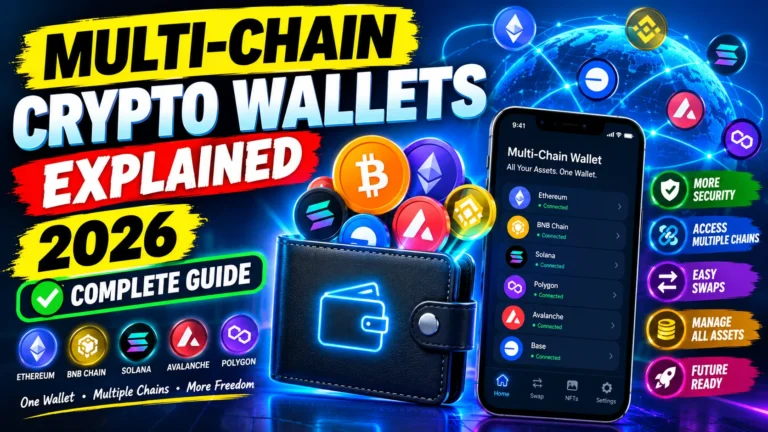
- Using many chains – we all use like 6 chains now, MetaMask/Trust handle all in one app.
- And privacy – if you don’t want every transaction linked to your ID, this is the only way.
Mistakes that cost people all their crypto – please don’t do this
I have seen my own friends lose money, literally crying on call.
- Screenshot of seed phrase. Please yaar, don’t. Don’t keep it in iCloud, Google Drive, Notes. Hackers search for that first. One leak and wallet empty.
- Sharing seed phrase. Listen, NO real company will EVER ask for your seed phrase. Not Meta Mask, not Ledger. If someone asks on Telegram, Twitter 100% scammer. Block.
- Clicking fake websites. They make exact copy of MetaMask site. You connect, you enter phrase, gone in 2 seconds. Bookmark the real site always.
- Blindly clicking Approve. That Approve button can give full access to all your tokens. If you don’t know that dApp, don’t approve.
- Keeping life savings on phone. Your phone is not a bank locker.
- Sending big amount without testing. Always send $5 first. If it arrives, then send full amount. Two minutes can save you thousands.
Which wallet should you pick?
- There is no “best” wallet. Depends on you.
- If you have big amount for long term – hardware wallet. Period.
- If you trade daily – mobile software wallet.
- What coins do you have? Only ETH? Any wallet works. But if you have BTC, SOL, ETH, Cosmos – you need multi-chain.
- Do you use DeFi? Then you need WalletConnect and a good browser extension.
- And is it easy for you? A super secure wallet that you don’t understand is more dangerous than a simple one you use properly.
- Don’t use some random new wallet with 100 downloads. Stick to known ones.
- In 2026 it’s still same – MetaMask for EVM chains, Trust Wallet for mobile, Phantom for Solana, Ledger and Trezor for hardware.
How to stay safe?
- Look, just do these 7 things:
- Make 2 copies of seed phrase. One paper at home, one steel plate somewhere else. Not in same room.
- Keep a separate old phone just for big money if you can. Don’t install random apps on it.
- Every month go to revoke.cash and remove approvals you gave to random sites.
- Always check address before sending. First 4 and last 4 letters at least. There is copy-paste virus.
- Update your wallet app. Don’t ignore updates.
- If you have big money, use multi-sig – like 2 out of 3 keys needed.
- And never give your unlocked phone to anyone. An open wallet is like open cash.
Future? It’s getting easier
Good news is self-custody is not that nerdy anymore. With account abstraction, wallets are becoming smart. You can recover with 3 friends, you can pay gas with any token, set daily limits – and still no company controls it.
As governments put more pressure on exchanges, everyone will slowly move to self-custody. And now wallets are finally simple enough for normal people.
Frequently Asked Questions
lost my phone, what happens?
If you have those 12 words, nothing happens. Download wallet again on new phone, type words, everything back. If you lost both phone and words – then sorry, it’s gone forever.
Can my wallet be hacked?
Wallet code itself is very hard to hack. 99% times, it’s human mistake. You clicked fake link, you installed malware, you shared phrase.
Is it legal?
Yes, legal in almost every country. Self-custody is allowed. Just check your local laws to be safe.
Do I pay tax if I move crypto to my own wallet?
Moving to your own wallet is usually not taxable. But trading, selling, earning rewards usually taxable. Depends on country. Ask a tax person who knows crypto.
Do I need internet for it?
To create and hold you can be offline with hardware wallet. But to send or receive you need internet.
Seed phrase vs private key?
Seed phrase is the master. 12 words that make ALL your private keys. Private key is for one address only. So seed = root, private key = branch.
Is MetaMask non-custodial?
Yes. Your keys stay encrypted on your device only. They don’t have them.
I sent to wrong address, can I get it back?
No. Blockchain is final. No reverse button. Once sent, gone unless that person returns it.
Should I use it for all my crypto?
For big savings – yes. For small trading money, you can keep a little on exchange for fast trades. Smart mix – little on exchange, most in self-custody.
One Comment